
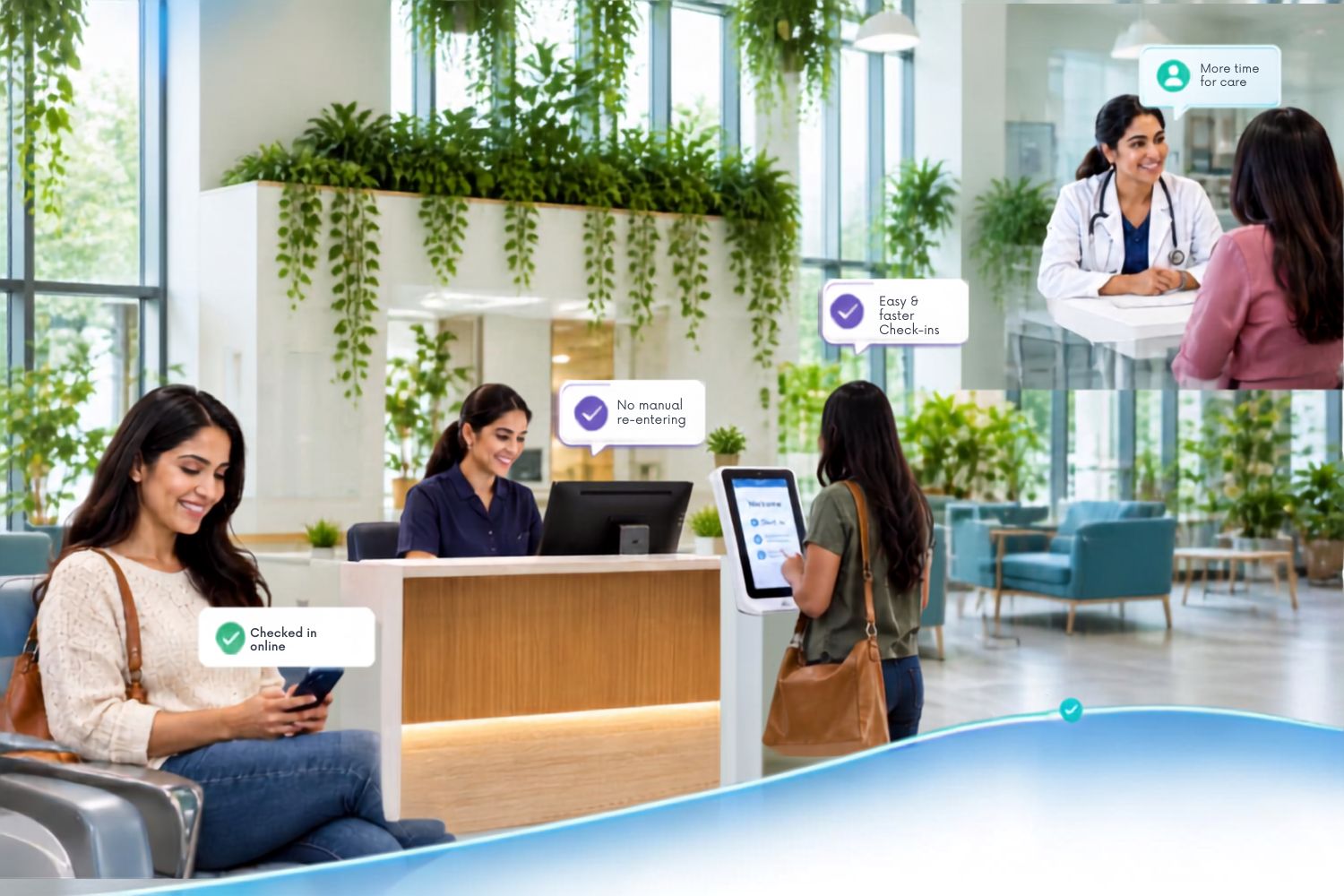
Clinical Workflow in Healthcare: Fixing the Friction Between Patients, Staff, and Systems
When you think of the journey of a patient visit, your mind automatically shows scheduling appointments, completing the intake, meeting the provider, and leaving with a care plan; it seems pretty straightforward, right? But in reality, the journey itself is more complicated, with a complex sequence of tasks involving patients, front-desk staff, clinical workflows in healthcare, administrative teams, and multiple healthcare systems.
A single disconnection or silos in the process may lead to unnecessary administrative work, duplicate data entry, disconnected systems, delayed information, and longer wait times. So, these steps must work together for information to move smoothly, letting your staff focus on delivering patient care.
This is where a well-designed clinical workflow in healthcare comes into the scene, connecting people, processes, and patient information so that each step is in sync and supports the next.
What is clinical workflow in healthcare?
A clinical workflow is the sequence of tasks, decisions, information exchanges, and responsibilities involved in delivering care to a patient.
It goes beyond a simple checklist. A clinical workflow determines:
- Who performs each task
- What information they need
- When they need it
- Where that information goes next
- What happens when information is missing or requires action

For example, when a patient completes their intake, their information (including demographics and clinical data) all has to move from digital intake forms to the appropriate fields in your EHR/PM system in a systematic and structured manner. This is an important part of a clinical data management workflow, where patient information must be captured, organized, transferred, and made available to the right people at the right stage of care. Now imagine if your staff had to re-enter that information manually; the steps increase in your workflow, and so do the frustration and inefficiencies.
Effective clinical workflows in healthcare therefore focus not only on completing tasks, but also on making sure information reaches the right person at the right time, without any redundant steps.
How does a clinical workflow work in a practice?
Although workflows vary by specialty and care setting, an outpatient patient journey typically includes several connected stages.
1. Appointment and pre-visit preparation
The workflow usually begins before the patient arrives. Scheduling, appointment reminders, digital registration, demographic information, insurance details, and pre-visit forms help prepare both the patient and care team.
2. Patient intake and check-in
For patients arriving to complete intake, they may provide medical history, medications, symptoms, consent, insurance information, and other required details at the practice. Staff review the information and address anything incomplete or requiring attention.
3. Clinical assessment
Depending on the visit, the care team may collect vitals, screening results, assessments, or other clinical information needed before the provider encounter.
4. Provider encounter
The clinician reviews the available information, evaluates the patient, documents findings, and develops a care plan. Having relevant information available at this stage can reduce the need to repeat questions or search across systems.
5. Documentation and checkout
The workflow continues through clinical documentation, prescriptions, payments, and follow-up scheduling.
6. Post-visit follow-up
A clinical workflow does not necessarily end when the patient leaves. Follow-up appointments, reminders, patient communications, outstanding payments and care-gap outreach may all require additional action.
The key is connectivity: information captured at one stage should be available wherever it is needed next, without unnecessary manual intervention.
Clinical workflow examples in healthcare:
Different clinical workflows support different parts of patient care. While each workflow serves a different purpose, information must move reliably between the people and systems responsible for the next step.
Some common clinical workflow examples include:
- Patient intake workflow: Collecting demographics, medical history, consent, insurance information, and other required forms.
- Clinical assessment workflow: Gathering patient-reported information, screening results, vitals, or assessments for clinician review.
- Follow-up workflow: Managing reminders, follow-up appointments, patient outreach, and other post-visit activities.
What causes clinical workflows to break down?
A workflow can become inefficient even when every individual task appears necessary. The problem is often how those tasks connect.
Common factors of workflow friction include:
- Duplicate data entry: Patients may provide information digitally, only for staff to manually enter the same information into another system.
- Disconnected systems: When applications do not communicate, staff may have to move information between platforms or search multiple systems to find what they need.
- Manual handoffs: A task may depend on paper, an email, phone call, spreadsheet, or staff member remembering to take the next action.
- Missing or delayed information: When information is incomplete or unavailable at the point of care, staff may need to contact the patient again or delay the next step.
A workflow designed around how a system works rather than how staff actually work can introduce unnecessary steps and workarounds. These issues do more than create administrative inconvenience and contribute to longer patient wait times, staff rework, and a less connected patient experience.
How to optimize clinical workflows?
Clinical workflow optimization is not simply about doing more tasks faster. It is about removing unnecessary work and creating a smoother path from one step to the next.
A practical approach starts with six steps:
Map the current workflow:
Document every step, including who performs it, what system is involved, and what happens next to help reveal hidden handoffs and duplicate processes.
Identify bottlenecks:
Look for repeated data entry, unnecessary approvals, manual follow-ups, incomplete information, and tasks that regularly cause delays.
Standardize repetitive processes:
Where the same task is performed repeatedly, establish a consistent process. Standardization can reduce variation and make it easier to identify opportunities for automation.
Connect systems and information:
Information captured during one stage should be accessible during the next stage whenever appropriate to reduce the need for staff to transfer or search for information manually.
Automate repetitive tasks:
Once the workflow has been simplified, automate appropriate administrative and rules-based activities. Automation works best when it supports a well-designed process rather than simply digitizing an inefficient one.
Measure the results:
Track metrics such as wait time, check-in time, staff touchpoints, documentation time, errors, and rework. These measurements help determine whether workflow changes are actually improving operations.
The role of clinical workflow automation:
An automated clinical workflow uses digital solutions to perform repetitive, rules-based tasks with limited manual intervention. In an outpatient setting, this can span the patient journey, from pre-registration and digital form completion to eligibility and benefits verification, clinical assessments, payment collection, reminders, and transferring information into the EHR or PM system.
For example, when patients complete their intake before an appointment, staff can spend less time collecting information at the front desk. If that information then flows directly into the appropriate clinical system, the practice can eliminate re-entering the same data.
Automation works best when the workflow is already well designed.
A poorly designed process does not become efficient simply because it is automated. Practices should first identify unnecessary steps, duplicate work, bottlenecks, and manual handoffs. Once the workflow is simplified, repetitive and rules-based activities can be automated.
The objective is therefore to connect processes, people, and systems, so information captured at one stage can support the next stage without unnecessary rework.
How to know if your clinical workflow is actually improving?
Introducing automation is only the first step. Organizations also need to determine whether the changes are producing meaningful operational improvements.
Instead of measuring automation by the number of tasks automated, practices can track outcomes such as:
- How many times does staff have to intervene in a routine process?
- How often is the same patient information entered more than once?
- Has automation reduced time spent on registration or check-in?
- Are forms, assessments, payments, or other required tasks being completed more consistently?
- How often does a workflow require manual correction or follow-up?
- How quickly does information move from collection to the person or system that needs it?
These measures help distinguish between technology that simply adds another digital step and technology that genuinely improves the workflow.
Ultimately, an effective clinical workflow should make the next step easier, not create another task for someone to manage. Schedule a demo today to see how CheckinAsyst can help your practices minimize bottlenecks and create a more connected experience for both staff and patients.